Live View & Real-Time Performance
Monitor live ad playback, footfall telemetry, and real-time impression delivery across active screens.
The Live View command center provides second-by-second visibility into your active DOOH campaigns.
Go to Platform
View real-time performance telemetry on the app: app.fairads.in/analytics?campaignId=live
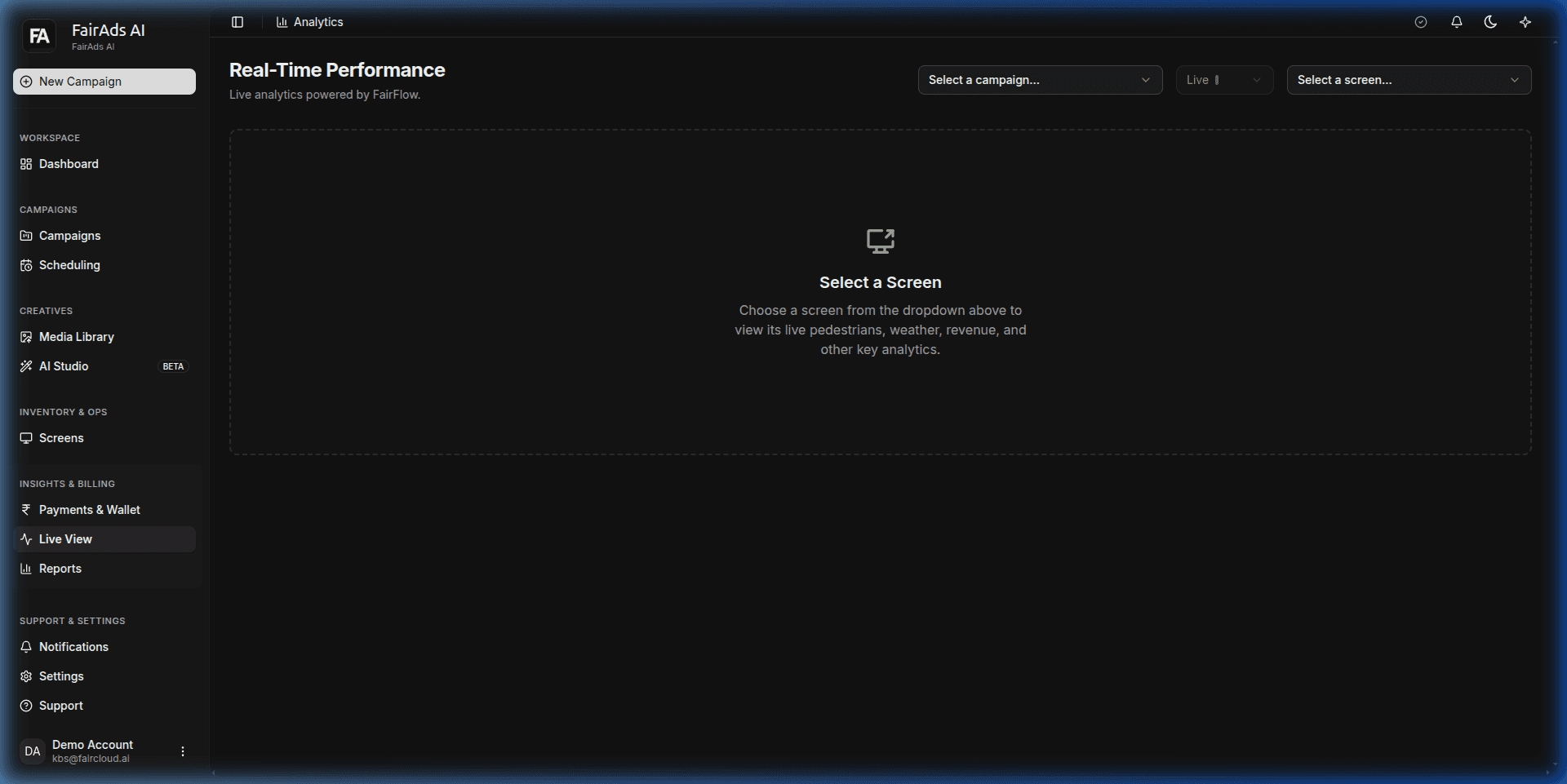 Figure 1: Real-Time Performance Live Analytics interface powered by FairFlow.
Live Telemetry & Playback Monitoring
Live View provides real-time telemetry streaming directly from connected screen hardware:
- Campaign Selector: Dropdown menu to filter playback analytics by specific campaign.
- Screen Selector: Dropdown to select individual registered screens for live pedestrian, weather, revenue, and impression monitoring.
- Active Playback Counter: Live count of ad renders happening across screens right now.
- Real-Time Impression Counter: Second-by-second incrementing count of viewer impressions delivered.
- Screen Health Map: Interactive status map showing online vs offline screens running your campaign.
Monitoring Limited Delivery Alerts
If a screen connection drops or hardware pauses playback:
- Live View flags the campaign with a Limited Delivery badge.
- The system details affected screen IDs so you can swap screens or re-route impression budgets instantly.
How is this guide?