Reports & Campaign Insights
Review historical performance, demographic analytics, and download exportable proof-of-play reports.
The Reports section delivers comprehensive post-campaign analytics and downloadable reports.
Go to Platform
Access reports and analytics on the app: app.fairads.in/analytics?view=reports
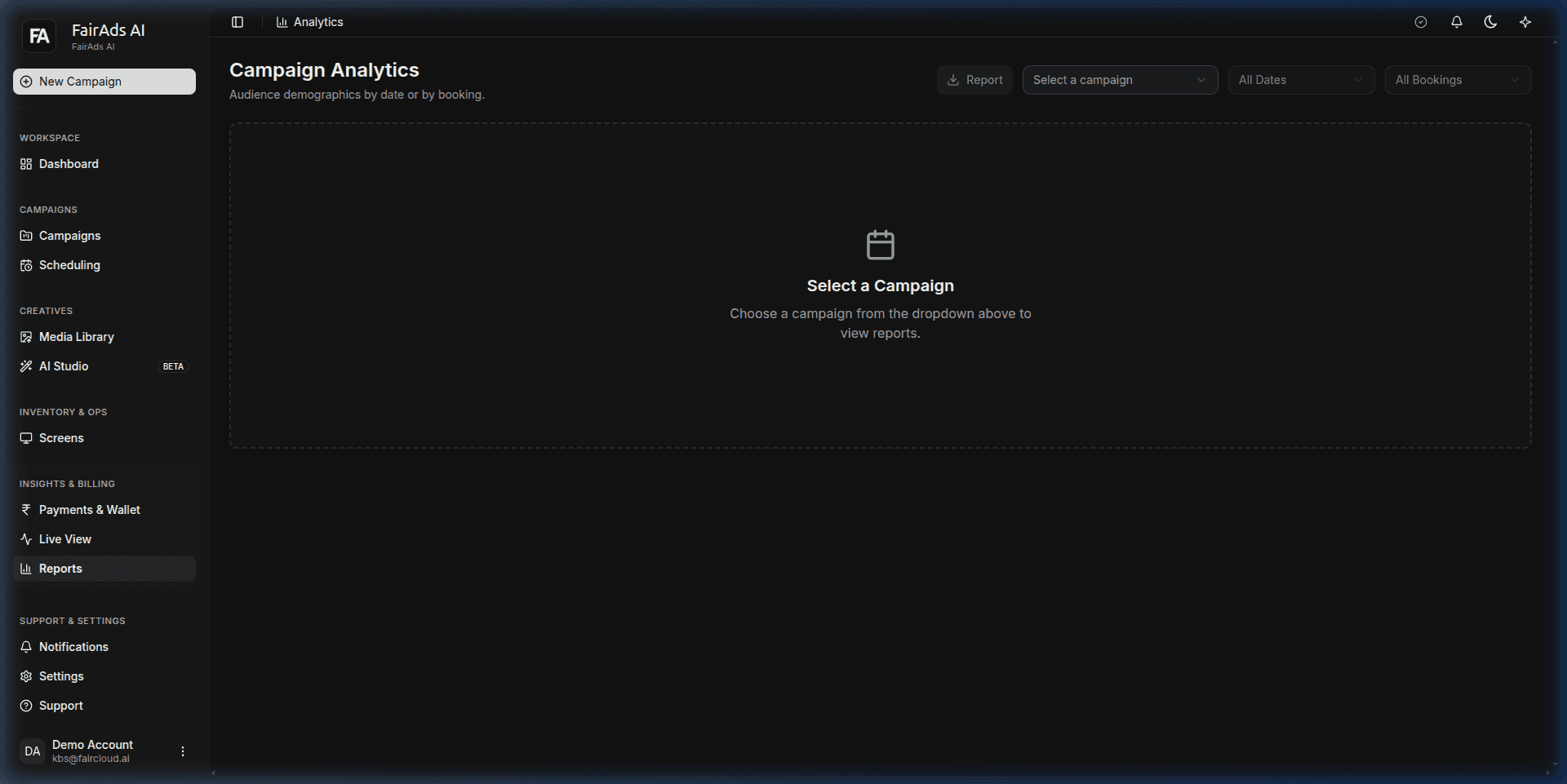 Figure 1: Campaign Analytics Reports dashboard with date range filters, campaign dropdowns, and export options.
Analytics Breakdown
Reports break down campaign delivery across multiple analytical dimensions:
1. Impression & Spend Trends
- Daily Impression Graphs: Track daily performance spikes against venue footfall.
- CPM Efficiency: Measure actual CPM vs estimated CPM across campaign flight dates.
2. Audience Demographics
- Age Distribution: Detailed breakdown across 18-24, 25-34, 35-44, 45-54, and 55+ age brackets.
- Gender Balance: Male vs Female audience split per screen venue.
- Average Dwell Time: Average duration viewers spent looking at screens (e.g., 4.2 seconds).
3. Screen Performance Ranking
- Identify top-performing screens by impression count and engagement rate.
- Compare venue category effectiveness (e.g., Malls vs Corporate Parks).
Exporting Proof of Play (PoP) Reports
Generate client-ready or audit-ready PDF/CSV reports:
- Select the desired campaign from the dropdown menu on app.fairads.in/analytics?view=reports.
- Choose date range or full campaign duration.
- Click Report / Export Report to download an itemized Proof of Play (PoP) certificate including verified timestamps, screen IDs, and total impressions.
How is this guide?