Account Settings & Preferences
Manage company profiles, team members, notification preferences, and integrations.
The Settings section allows you to configure your advertiser organization, profile details, and notification channels.
Go to Platform
Configure account settings directly on the app: app.fairads.in/settings
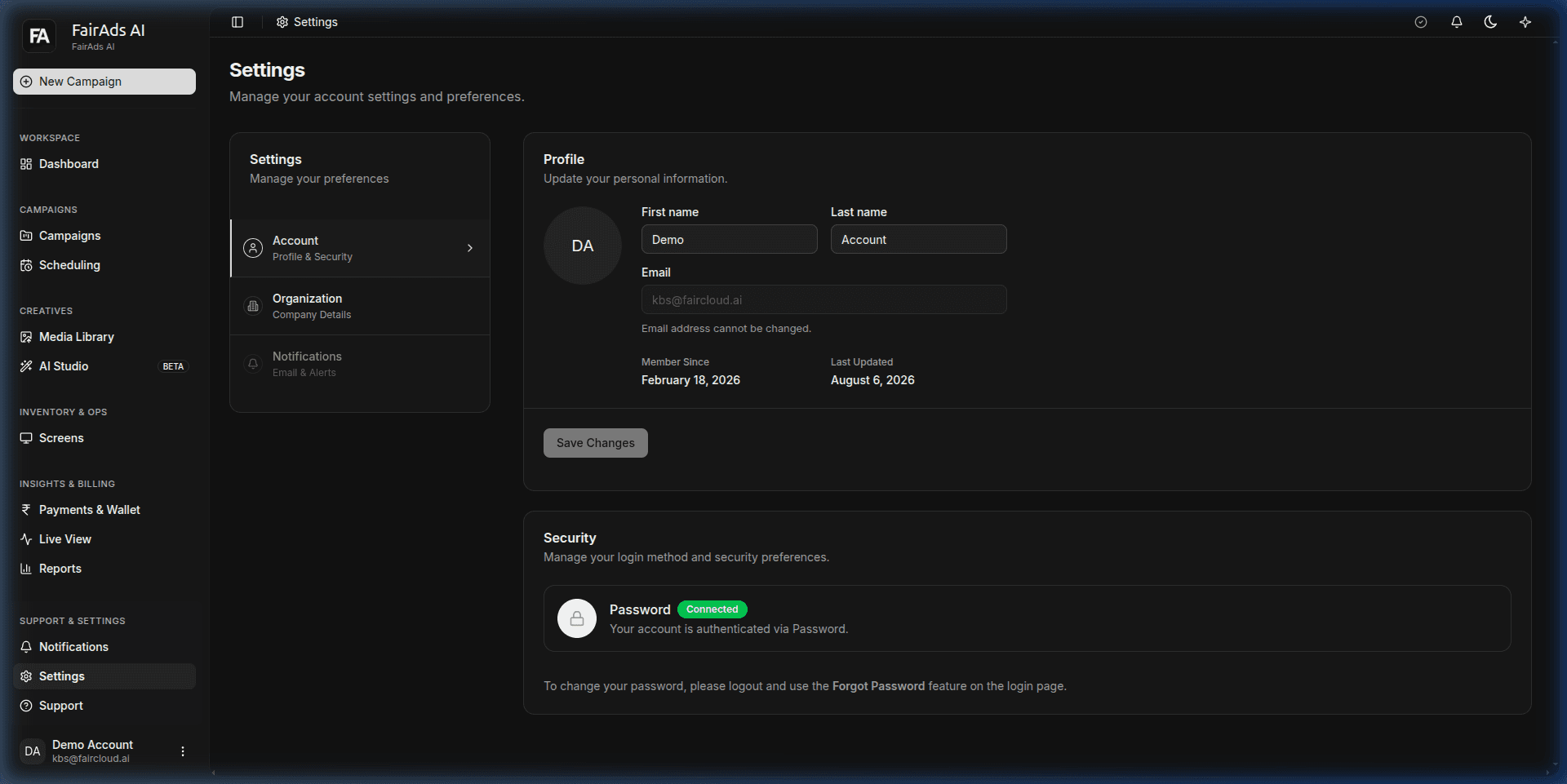 Figure 1: Account Settings page showing profile details, email address, member details, and password security preferences.
Account & Organization Settings
On the Settings page:
- Profile Details: Update First name, Last name, and view your registered email address (
kbs@faircloud.ai). - Member Timestamps: Track account registration date (
Member Since) and profile update timestamps (Last Updated). - Company Profile: Update your official business name, brand logo, website URL, and GST registration number under Organization.
- Security & Password: Manage authentication methods and password credentials securely.
Notifications Preferences
Configure notification alerts under Notifications:
- Email Alerts: Receive email updates for campaign approval status, low wallet balance, and end-of-flight summaries.
- In-App Notifications: Real-time badge indicators for campaign delivery events and screen status updates.
How is this guide?